Some progress made over the last 4 weeks.
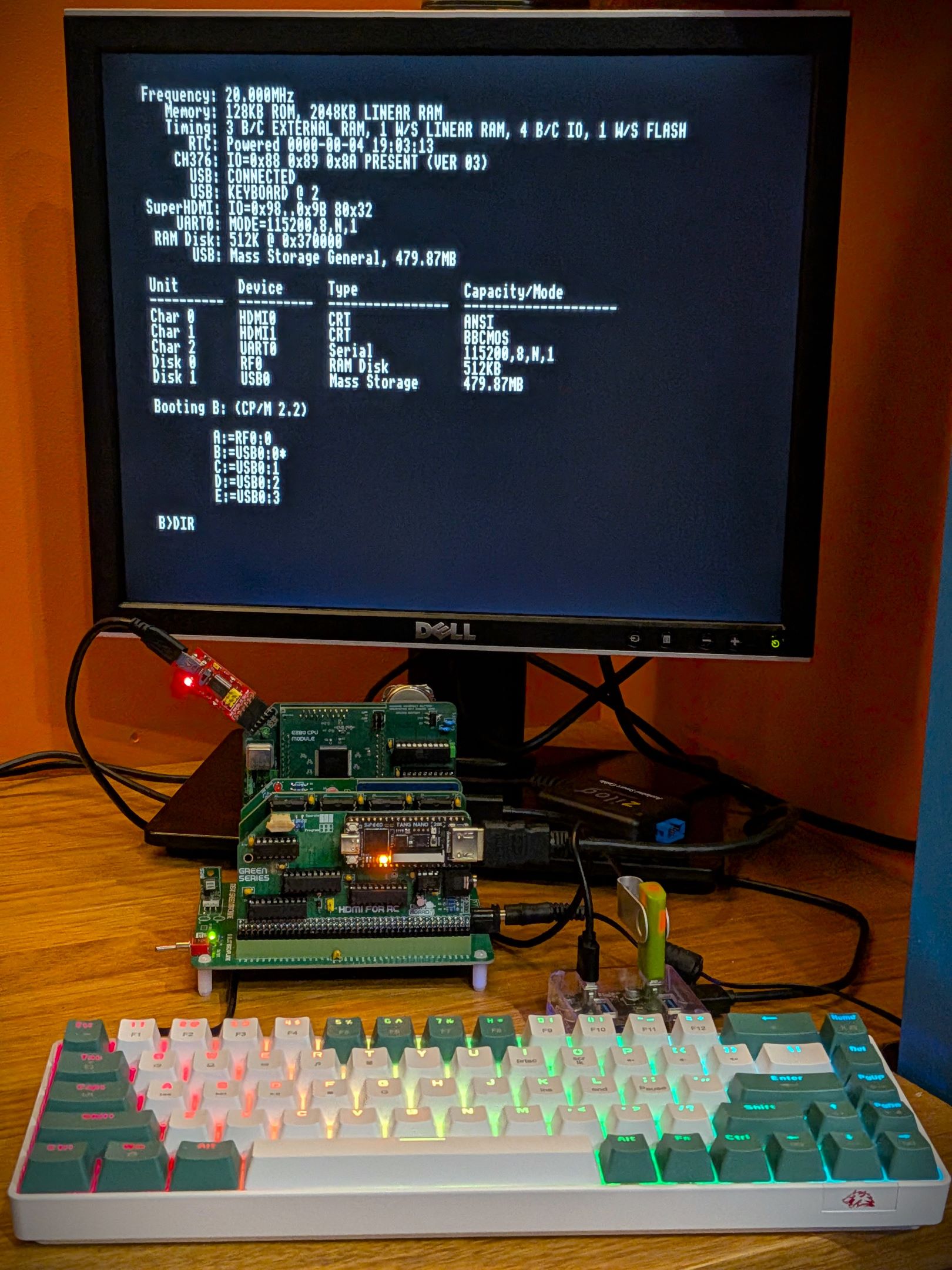
Integrated a USB keyboard driver into the firmware. The system can now boot up with its own monitor and keyboard - no need for a serial connection to an external modern computer.
The driver will activate if a compatible USB keyboard is plugged into (via a USB HUB) the USB for RC module.
Its looking more like a self-contained computer now.
Using CP/Ms STAT command, I can reconfigure the console into one of three different operating modes.
STAT CON:=TTY:
Issuing this command will direct all console input/output to the onboard UART0 for serial connection.
STAT CON:=CRT:
Issuing this command will change the console to use the HDMI for RC module for output, and the USB keyboard for its input. If no USB keyboard is detected at boot, this mode will fallback and use the UART0 for input.
The screen's text will respond to a very limited set of VT100 ESC control characters - for things like cursor movement.
STAT CON:=UC1:
UC1: command is similar to CRT: - the difference is that instead of interpreting VT100 ESC characters, the VDU Driver is activated for all non-ASCII characters. What's the VDU Driver? This is a special driver, that I've written to be compatible as possible with Acorn's original character driver for the BBC Micro computers.
The Driver has support for lots of graphics commands (drawing lines, rectangles and other graphics operations). Its primary purpose is to enable the BBCBASIC interpreter, ported to the eZ80 CPU, to have all its cool retro graphics capabilities - that is statements like MOVE, DRAW, and VDU are working now. Lots of cool old BBCBASIC programs will soon hopefully be able to run on this platform.
To see a list of VDU codes, checkout this summary for riscos's vdu implementation. I have yet to implement all of them, and their will be some subtle differences.
But default, the system will always boot with the CON: set to TTY:. I have written a program (IOBYTE.COM) that change this to always boot up with a different settings:
eg:
IOBYTE CON:=CRT:
Will cause it to now always boot up in the CRT configuration.
As mentioned above, over the last four weeks, done a lot more work on porting BBCBASIC to this platform. I had a lot of help from Jeroen Venema. He’s been hard at work updating his port of BBCBASIC for the Agon platform - and has been kindly sharing fixes/patches to my port also. His project can be found on github https://github.com/envenomator/agon-bbc-basic.
Not only has BBCBASIC received lots of languages fixes - thanks in large part to Jeroen - its also had lots of platform updates - various graphics statements and features working. Most of those graphic enhancements come from the updates to the VDU driver in the firmware.
I have repackaged the release for the firmware, associated apps and the Pi programmer. They can be downloaded from the repo’s releases section - https://codeberg.org/dinoboards/ez80-for-rc/releases
The releases now also include a manuals directory containing documents for using and programming on this platform. These manuals are far from complete, so I will need to update these over the coming days/weeks/months… But they should be enough to get anyone interested in starting.
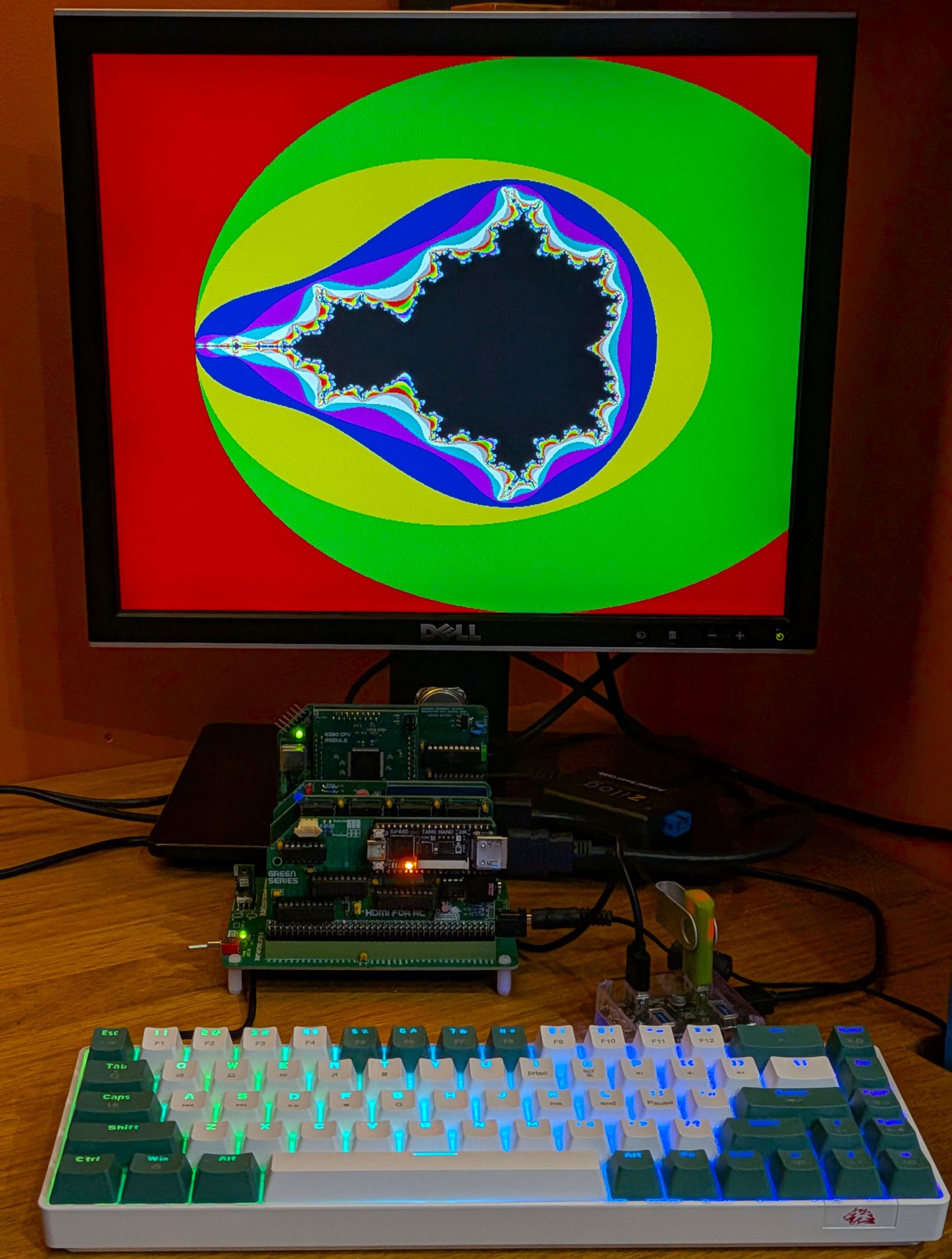
Although the latest firmware will still work just fine with RomWBW on a banked memory module, to get the power of BBCBASIC and its graphics commands you need the following:
 Store
Store