Slot Extension Code: DB316
Blank 16k/32k Code: DB111
An extension module for the 12+1 Stegosaur backplane to support MSX Cartridges
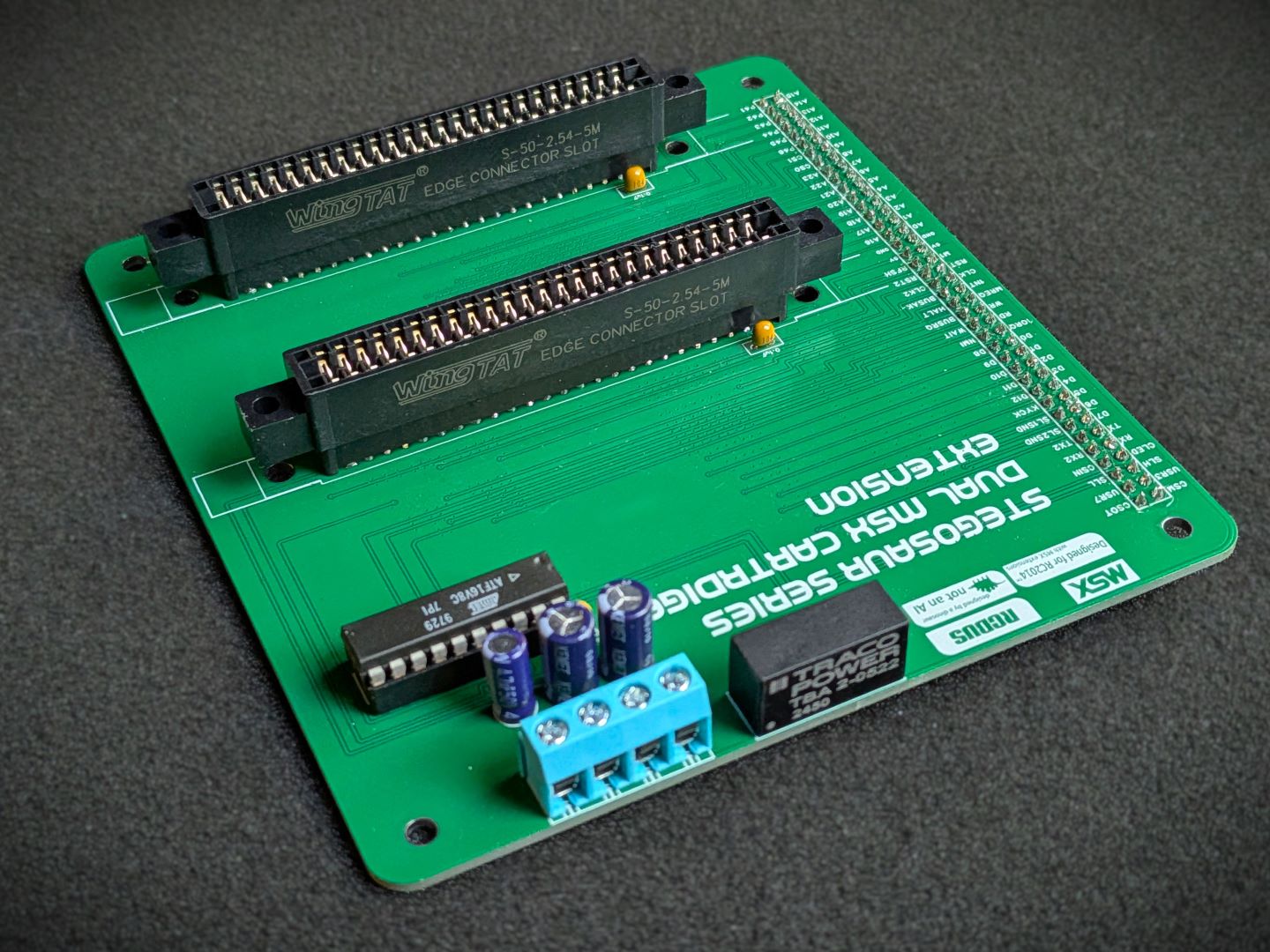
Tired of slow load times for your games? Miss the days of flicking the power button and having your game instantly running? Well perhaps this kit is for you. Pair the Slot Extension with a MSX configured build, and you can load cartridge based games and software with the simple of a flick of the power button.
This module attaches to the right most slot of the 12+1 backplane and gives your system two 50pin MSX card connectors slots. It include required decoding logic for addressing the slots as per the MSX standard.
It includes optional support for an on-board DC converter to step up the 5V from the backplane to +12/-12 voltages.
Once installed and operating on a MSX configured system, you can boot up original 1980’s MSX cartridges or install new modern release cartridges from places such as https://www.msxcartridgeshop.com/
Or perhaps you can select the optional MSX Cartridge 16K/32K ROM board and flash your own (or downloaded) game and enjoy the era of instant gaming.
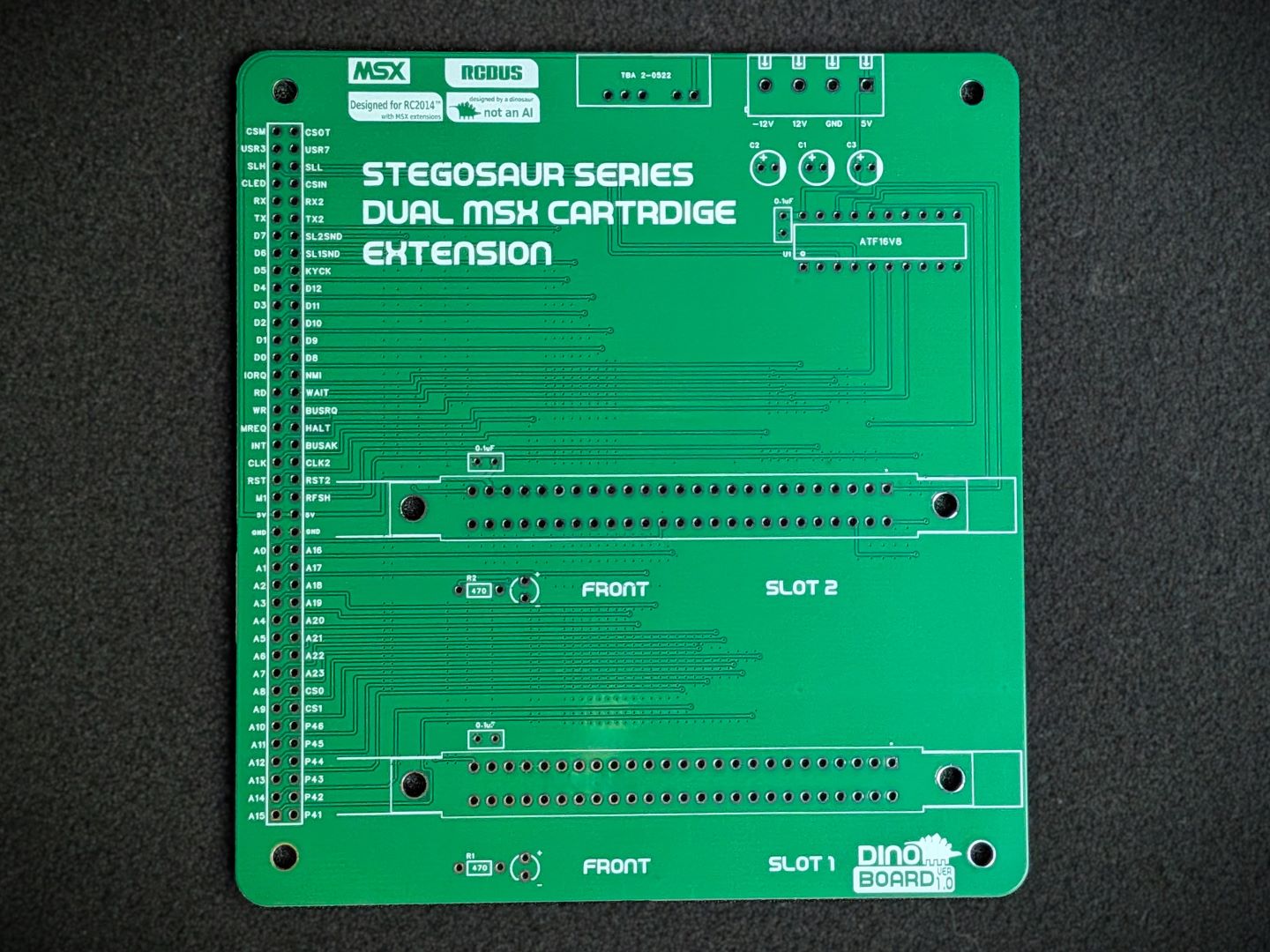 PCB Front |
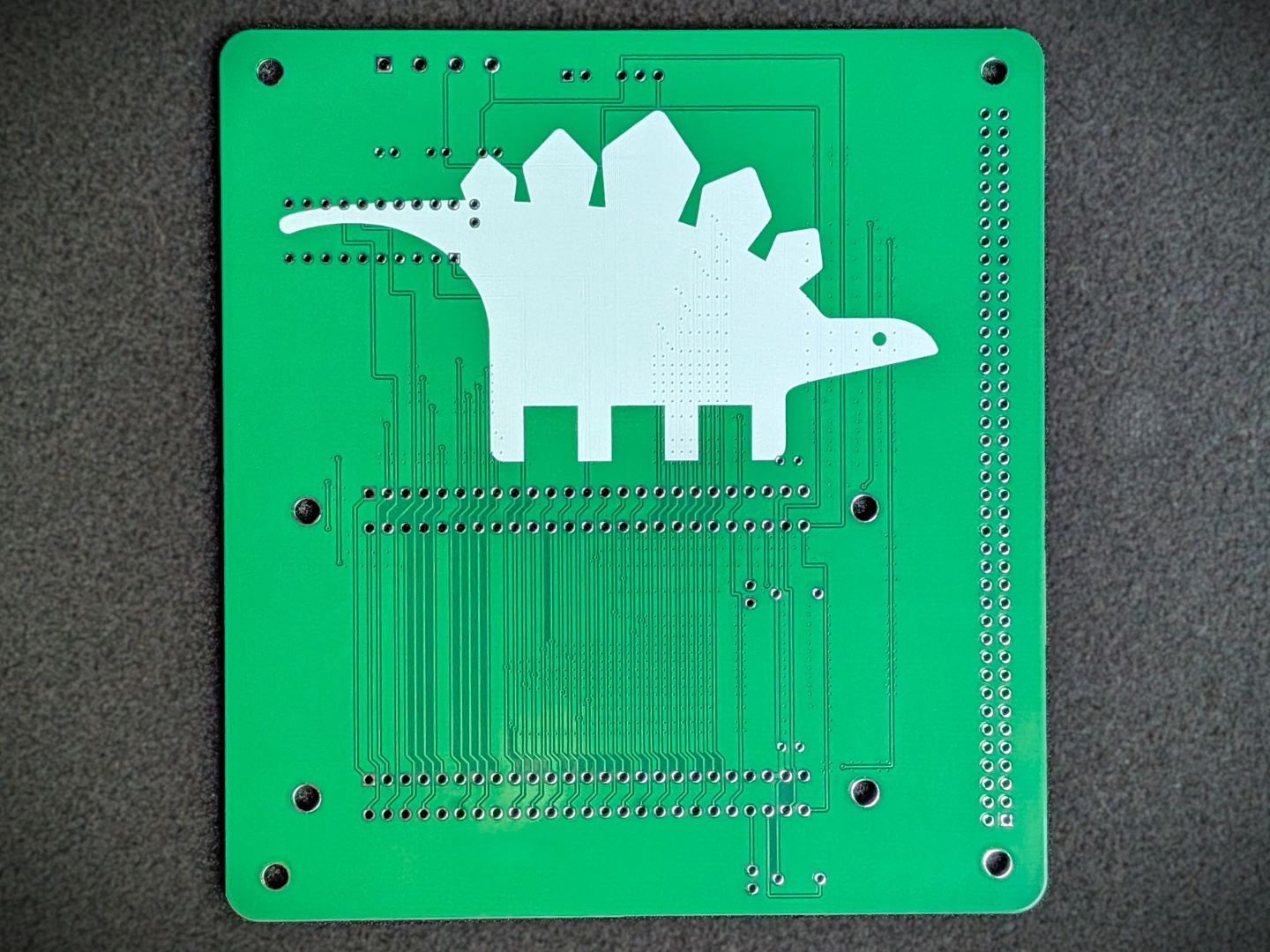 PCB Back |
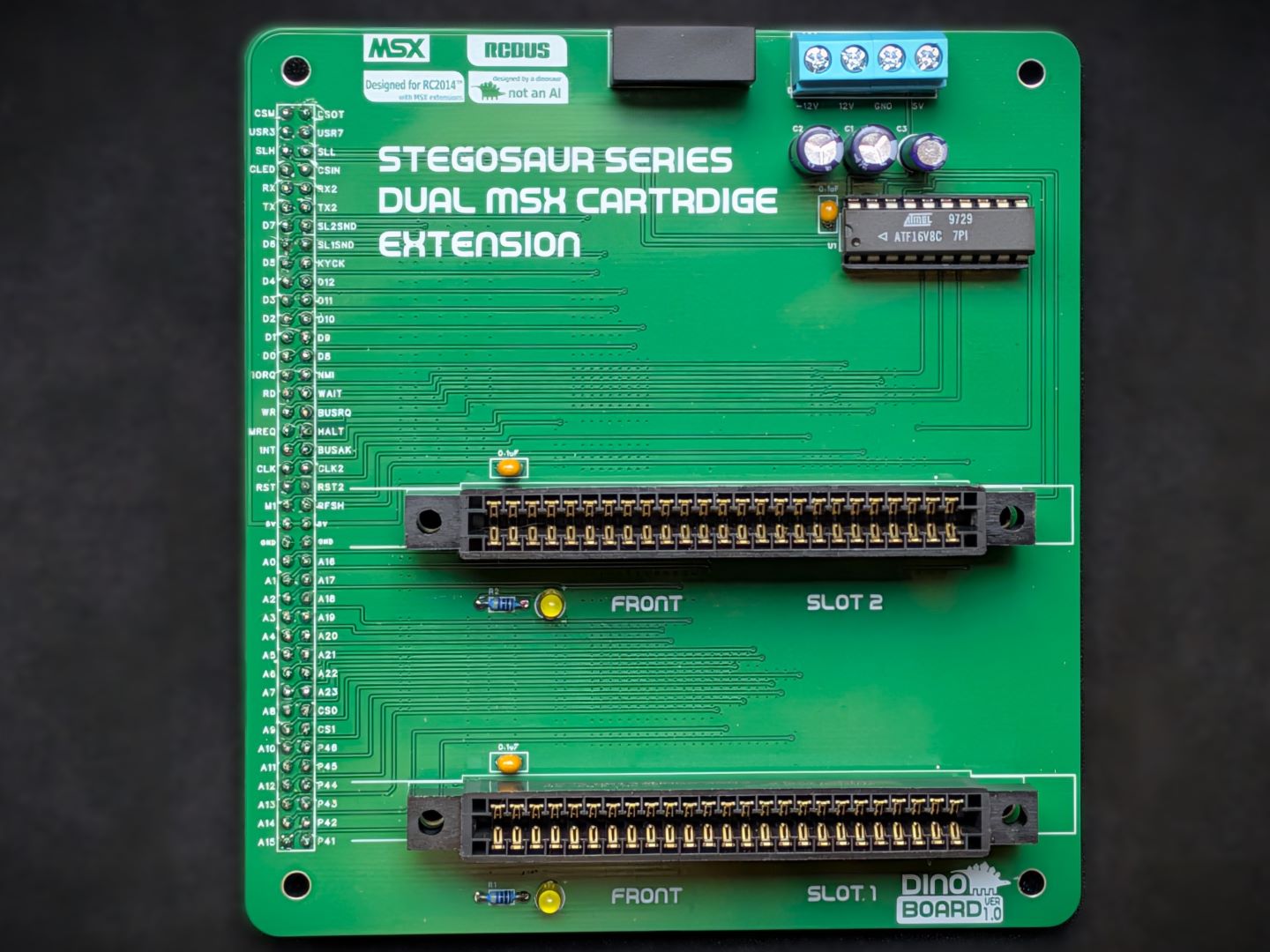 Assembled Top View |
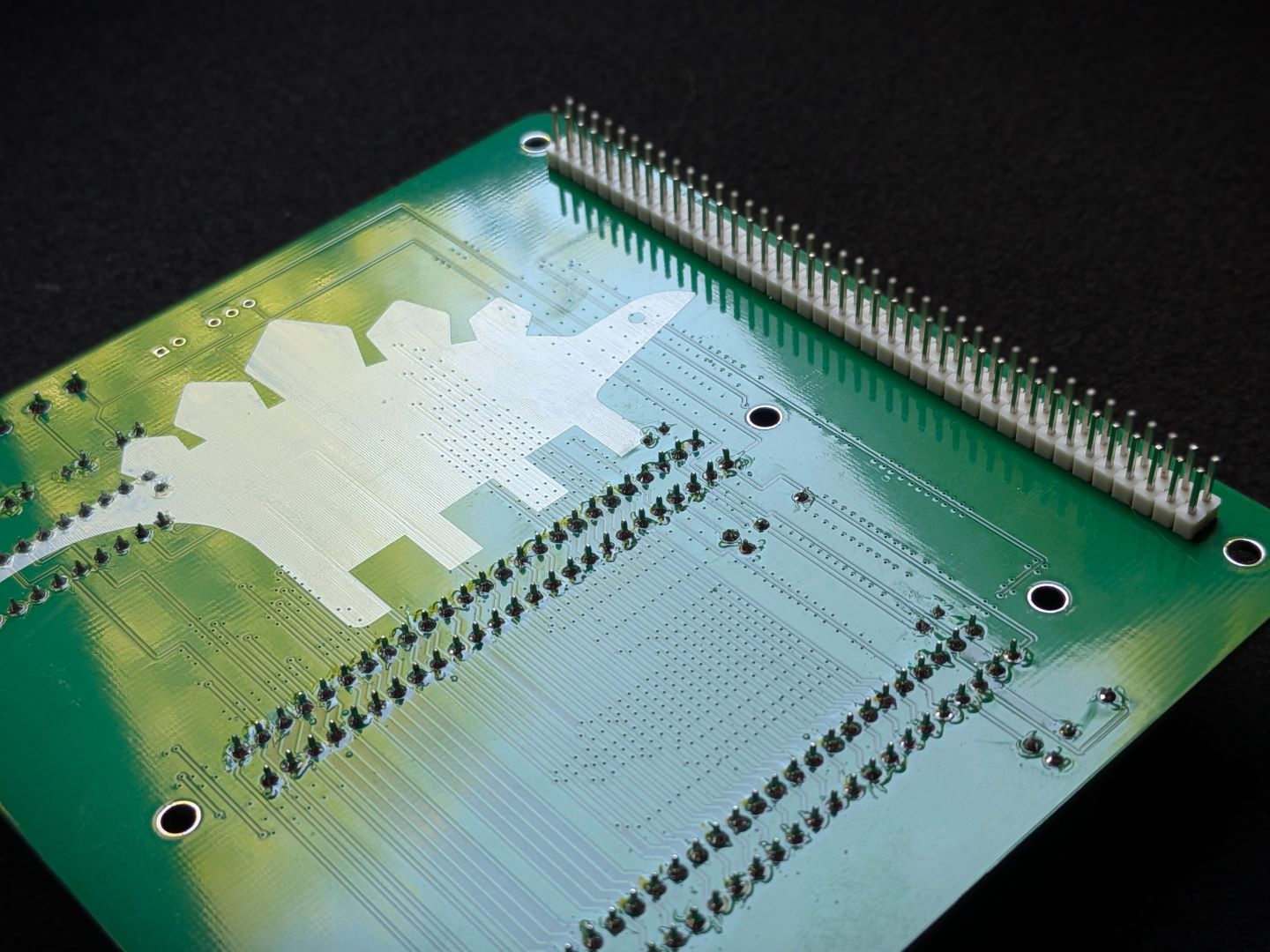 Assembled Underside View |
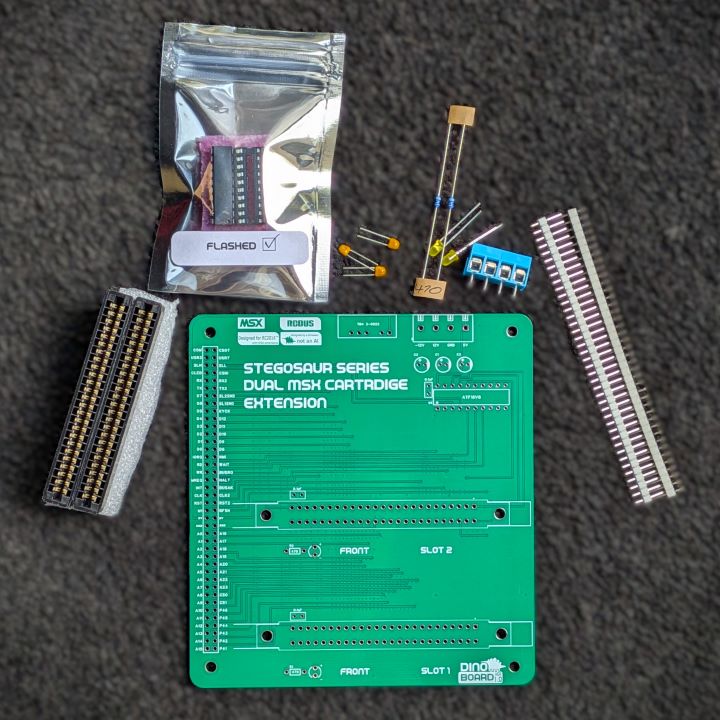 Parts |
|
| Count | Name | Self Sourcing* |
|---|---|---|
| 3 | 0.1uF ceramic capacitors | Mouser: 594-K104K10X7RF53L2 DigiKey: BC5137-ND |
| 1 | ATF16V8 | |
| 2 | 3mm LEDS | |
| 2 | 470 Ω resistors (3.4mm) | |
| 2 | 50 Pin Card Edge Connector | |
| 1 | 4 Way Screw Terminal |
| Count | Name | Self Sourcing* |
|---|---|---|
| 2 | 1uF Capacitor | |
| 1 | 4.7uF Capacitor | |
| 1 | DC-Converter | MEAN WELL DPU01L-12 or equivalent |
* Most cartridges do not need or use the 12V lines. A 4 way screw power terminal is provided if you wish supply the +12V/-12V from an external source.
The full kits includes everything you need (PCB, passive components, connectors, and the ICs).
The optional +/-12VDC converter, as with all parts, may be supplied with an alternative of similar specifications.
Please note that mounting stand-offs are not supplied.
The MSX Cartridge slot extension is designed to work in a build with the Stegosaur MSX Modules. Your system needs to be able to boot as a MSX system.
You need at a minimum:
I have tested this slot extension with a limited set of MSX Cartridges. It has been successfully tested with 3 different MSX1 original cartridges from the 80s, the recent 2021 release of Mutants from the Deep from https://www.msxcartridgeshop.com/ and the MegaFlashROM SD Flash unit.
It also has been successfully tested with the optional 16K/32K ROM Cartridge module.
Operating this cartridge is possible, but it requires the NEXTOR kernel and disk images to be updated.
The version of NEXTOR currently supplied in the MegaFlashROM, is version 2.1.0. The version built for the Yellow MSX Memory module, is 2.1.1 (beta).
Although NEXTOR can operator with 2 kernel systems active, there seems to be a compatibility issue with these 2 versions.
The process below, details how to update the kernel and disk images in the MegaFlashROM to a compatible new version.
Please note, MegaFlashROM requires the a version MSX-BASIC/BIOS. It is not compatible with CBIOS, the version of the ROM supplied with the MSX Module. See the file https://github.com/dinoboards/yellow-msx-series-for-rc2014/blob/main/msx/README.md for details on updating your main ROM image.
At this stage, you also need the Compact Flash module working in your MSX platform, to store the new MegaFlashROM images - These files are currently too large for the RamDisk. (There is an item on my backlog to remove the need for the CompactFlash module)
When you first boot up your system, with the MegaFlashROM installed, NEXTOR should boot, but any attempt to access drives A: and B:, will return an error.
You will need to download into your system onto your Compact Flash drive, the following files:
opfxsd.com from https://www.msxcartridgeshop.com/bin/opfxsd.zipmfr.dsk (from the releases section of this repo)mfr.nextor.rom (rename it to short file name such as mfr.rom) (also from the release section of this repo)then execute the following at the MSXDOS command prompt:
opfxsd mfr.rom /i
opfxsd mfr.dsk /id
After that, if you reboot your system, you should boot into Mega Flash Rom’s system - with access to all drives.
If you wish to reset your MegaFlashROM, follow the official process to restore your system.
| Description | Yellow MSX Version | Green Stegosaur Version |
|---|---|---|
| Colour | Yellow | Green |
| On board LEDs | 5mm LEDs | 3mm LEDs |
| Card Edge Connectors | PCB screw mountable | Equivalent alternative without screw mount support |
| Optional 16/32K Cart | Yellow Version | Yellow Version (with Green coming soon) |
Generally, you want to solder items from lowest height to largest height. Review the components you need to solder, and note their progressive heights.
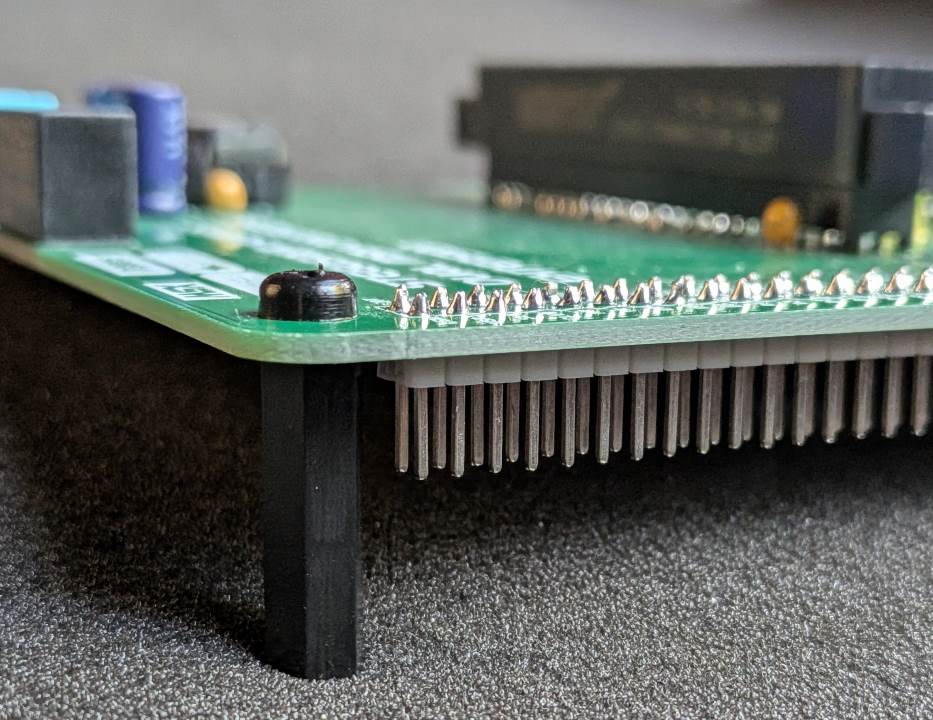
Solder these last, and ensure they are flush wit the PCB. They need to be solder on the top of the PCB.
Please note that this is a kit, produced by a non-expert (me) for hackers, DIYers’ and retro lovers, to tinker with. Please exercise caution and follow good safety practices. You will be working with sharp knives, a hot soldering iron, and small metal components. Be mindful of the risks involved in the build process. I will do my best to answer any questions you may have.
This kit is provided as-is, with no guarantees or warranties. By assembling and using this kit, you acknowledge that you do so at your own risk.
 Store
Store